 Pressleaf
A save-as-PDF extension without a daily limit
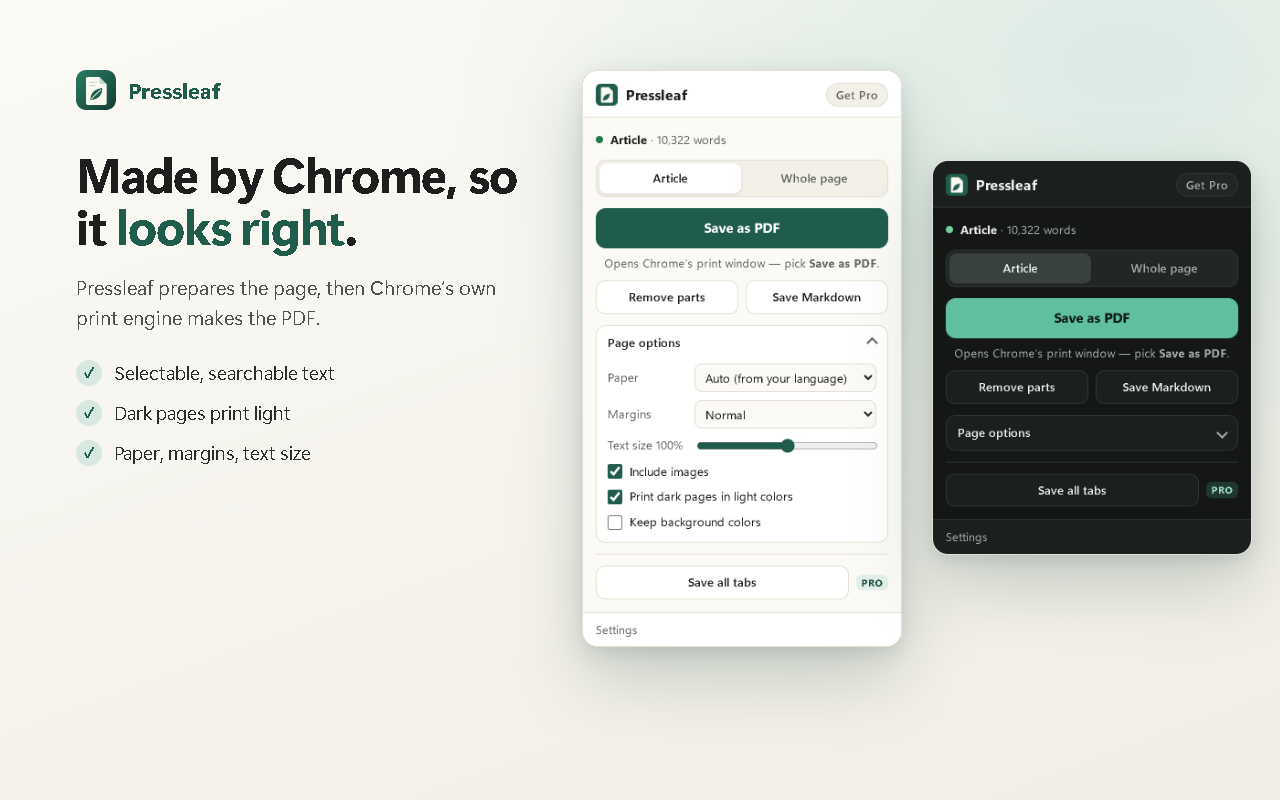
Short answer: Pressleaf saves web pages and AI chats as PDF with no daily limit, no watermark and no account. Several popular PDF extensions allow 3 free PDFs per day; Pressleaf can be unlimited because Chrome makes the PDF on your own computer, so each PDF costs nothing to produce.
Free PDF limits, side by side
| Extension | Free PDFs | Source |
|---|---|---|
| Pressleaf | Unlimited, no watermark, no account | Pricing |
| ChatGPT Exporter | 3 PDF exports per day; 30 or 100 per day on paid plans | Store listing, pricing page |
| AI Exporter | 3 free PDF quotas per day | Store listing |
| Chrome Print → Save as PDF | Unlimited, page printed as it is | Chrome Help |
What you get, free
- Article, Whole page and Chat modes (ChatGPT, Claude, Gemini)
- Menus, ads, cookie banners and sticky bars removed; click to remove anything else
- Selectable text; math, code and non-Latin scripts kept
- Pages behind a login work; nothing is uploaded
- Markdown export
Questions
Why can Pressleaf be unlimited for free?
Pressleaf has no server doing the conversion: Chrome makes the PDF on your computer. There is no per-PDF cost to pass on, so there is nothing to ration.
What does Pro add, then?
Time-savers only: skip the print window, save every open tab at once, headers and footers, and custom file names. $19 once or $9 / year.
Is there a watermark on free PDFs?
No. Free PDFs have no watermark or branding.
Try Pressleaf
Pressleaf is a Chrome extension that saves web pages and AI chats as clean PDFs. It removes menus, ads and pop-ups, unrolls long ChatGPT, Claude and Gemini conversations, and prints with Chrome’s own engine on your computer, so text stays selectable and logged-in pages work. Unlimited and free; Pro adds one-click and batch saving.
Free: unlimited PDFs, no watermark, no account. Pro: $19 once or $9 / year.
Coming soon to the Chrome Web StoreChatGPT Exporter and AI Exporter are names of their owners. Pressleaf is not affiliated with them. Their limits come from their own pages on 2026-10-06 and may change.